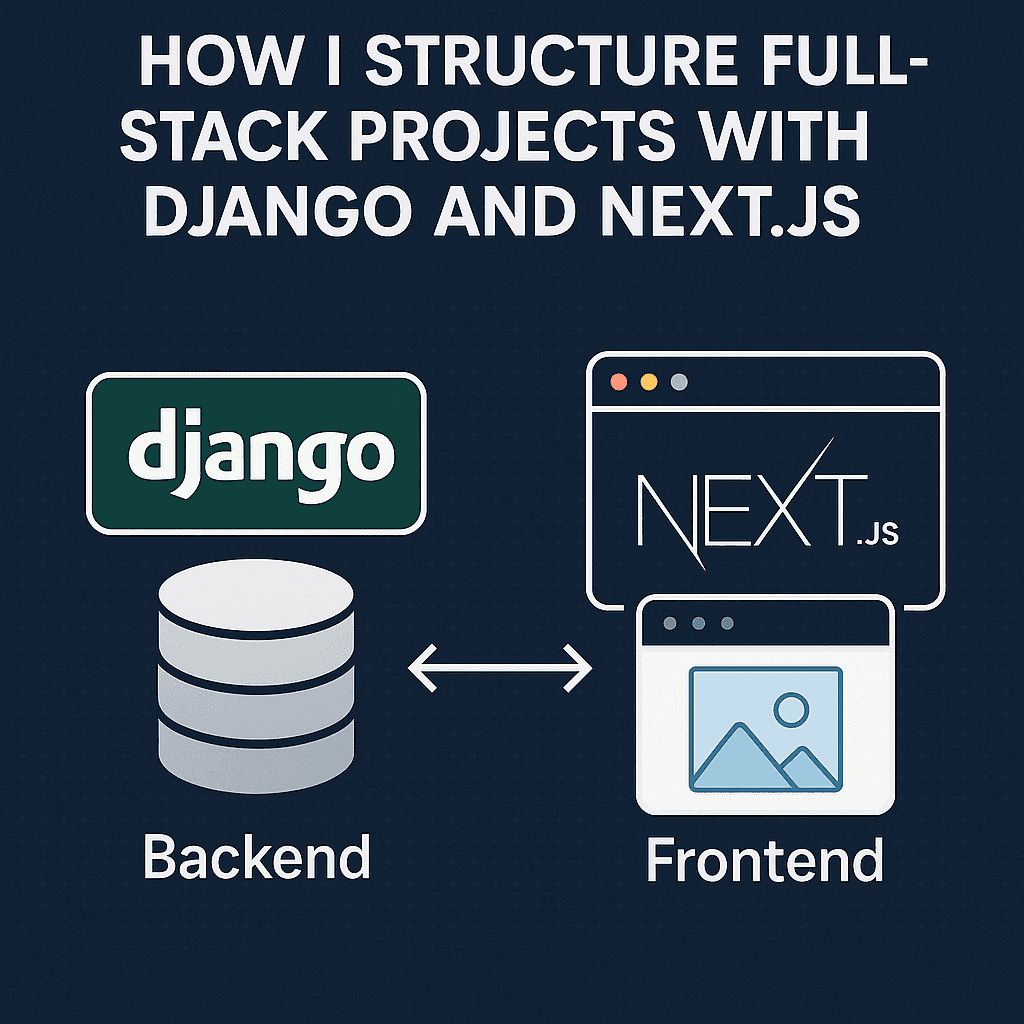
In this post, I’ll walk you through how I structure my full-stack projects using Next.js (frontend) and Django (backend) — based on what actually works for me in real client and personal projects.
This isn’t just theory — I’ve iterated this structure across multiple freelance jobs and side projects.
⚙️ Tools I Use
- 🧠 Frontend: Next.js (App Router) + Tailwind CSS + TypeScript
- 🛠 Backend: Django + Django REST Framework
- 🗃 Database: PostgreSQL (with SQLite for local dev)
- 🔐 Auth: JWT (via DRF)
- 🚢 Deployment: Vercel (frontend), Render or Railway (backend)
📁 Overall Folder Structure (Local Dev)
/my-project
├── /frontend     ← Next.js app (App Router)
│   ├── /app
│   ├── /components
│   ├── /styles
│   └── tailwind.config.js
│
├── /backend      ← Django project
│   ├── /project_name
│   ├── /apps
│   ├── manage.py
│   └── requirements.txt
🧩 API Communication I structure Django to expose a RESTful API with endpoints like:
GET    /api/posts/
POST   /api/auth/login/
PUT    /api/profile/update/
Then, in my Next.js frontend, I fetch from those APIs using native fetch() or SWR:
const res = await fetch("https://api.example.com/api/posts");
const posts = await res.json();
If I'm working locally, I use:
NEXT_PUBLIC_API_URL=http://127.0.0.1:8000
And wrap fetches in a utility:
export const api = (endpoint: string) =>
  fetch(`${process.env.NEXT_PUBLIC_API_URL}${endpoint}`).then(res => res.json());
🔐 Auth Flow with JWT In Django:
I use djangorestframework-simplejwt for token generation
When a user logs in, they get access and refresh tokens
In Next.js:
I store access in memory or cookie
I attach it to headers:
const res = await fetch("/api/profile", {
  headers: {
    Authorization: `Bearer ${token}`,
  },
});
For refreshing tokens, I handle re-auth or auto-logout via interceptors or retry logic.
🪄 Tailwind + Components I use Tailwind and build a /components folder in Next.js like this:
/components
├── layout/
│   └── Layout.tsx
├── ui/
│   └── Button.tsx
├── blog/
│   └── BlogCard.tsx
🌐 Deployment Strategy Frontend:
Deployed to Vercel
Uses environment variables like NEXT_PUBLIC_API_URL
Fully static (when possible) for blog, marketing pages
Backend:
Deployed to Render, Railway, or Fly.io
Separate PostgreSQL database
Handles only API and admin panel
🧠 Tips That Helped Me
Keep your frontend and backend version-controlled separately, even if in one repo
Use .env for both sides and NEVER hardcode URLs or secrets
For team projects, document the startup commands and ports in a README.md
Start by mocking the API in frontend before connecting to Django
🏁 Final Thoughts
This structure helps me:
Move fast on the frontend
Keep the backend stable and scalable
Deploy both parts independently
Avoid bugs caused by coupling logic too tightly
It’s clean, modular, and works really well whether you’re building a personal SaaS project, client dashboard, or a content-heavy blog.